AI Business Tools › SpeakIt
SpeakIt

Press Play. Your documents read themselves to you.

Upload a file, drag it in or paste the text and press Play. SpeakIt reads PDFs, Word documents and emails out loud in a natural voice. It runs on your Mac, so nothing you open leaves it.
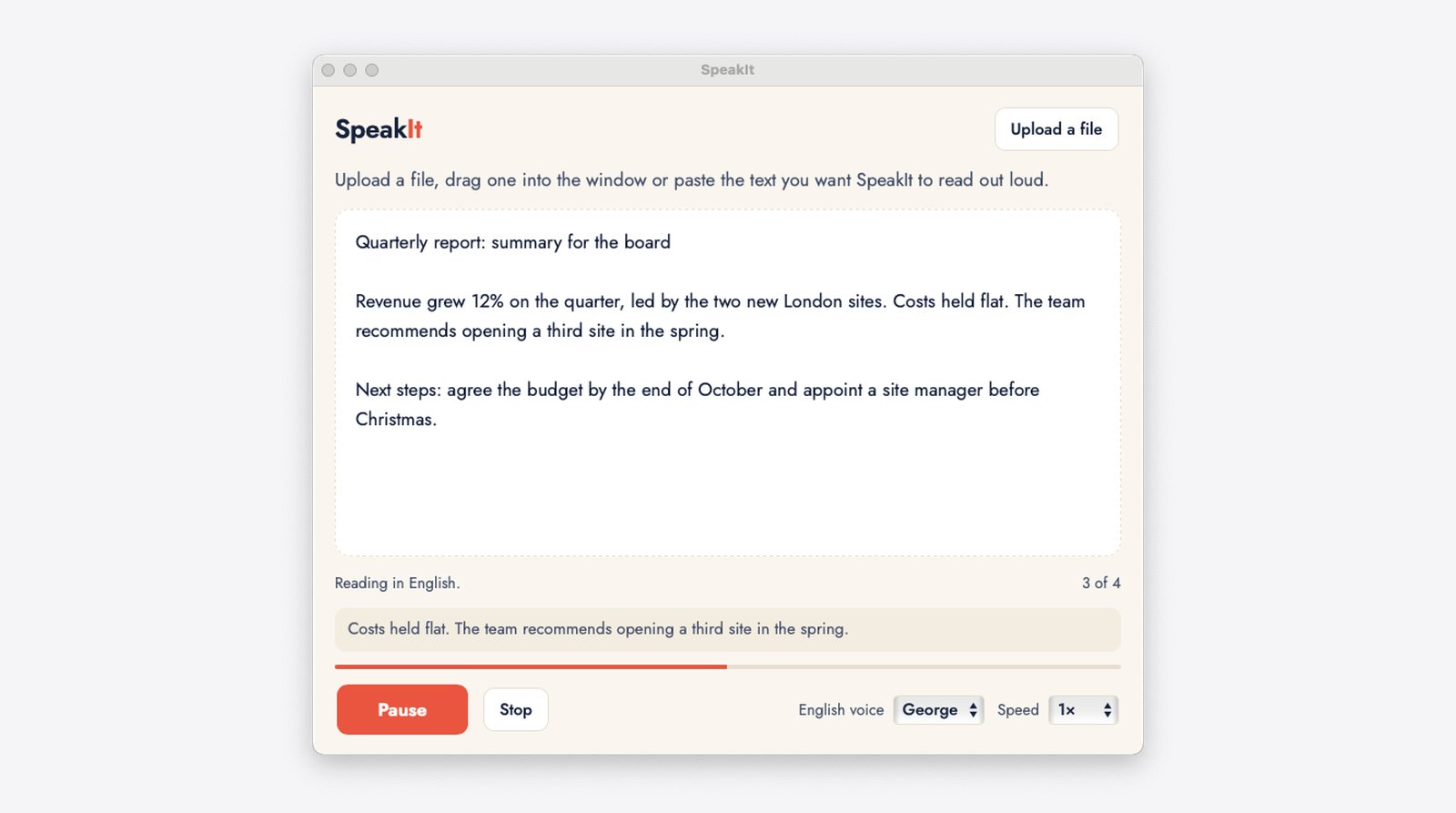
The SpeakIt window reading a quarterly report aloud, with the Pause button lit and the sentence being read shown below the text.
The job it takes off your hands

Anyone who has said one of these

Reading long documents, reports and emails.

How it works

three steps, any document

  1. Bring the text.Upload a file, drag it into the window or paste the text.
  2. Press Play.The first words play within seconds and the reading runs on without gaps.
  3. Listen.Pause, stop, choose one of 4 voices and the speed. The sentence being read shows on screen.

Needs a Mac with Apple silicon (M1 or later). Windows is coming.

What you get

What you get

Starts in seconds

The first words play within seconds. The rest is prepared while you listen, so there are no gaps.

Private by design

The voice runs on your own Mac, even offline. Nothing you open is sent anywhere.

4 natural voices

two male and two female British voices. Pick the one you like listening to.

Any document

PDF, Word, text, web pages and more.

The next step

Is this what eats your week?

A free 20 minute call, no obligation. We check it fits your business before anything is set up.