Services › Laptop-off AI Agent still on
Laptop-off AI Agent still on

Close the laptop. Your AI assistant keeps working.

Today your AI assistant lives in one folder on one computer, so it only works where that computer is. The Laptop-off AI Agent still on gives that folder a second home on the internet. Nothing about the AI assistant changes. Who can reach it changes completely.

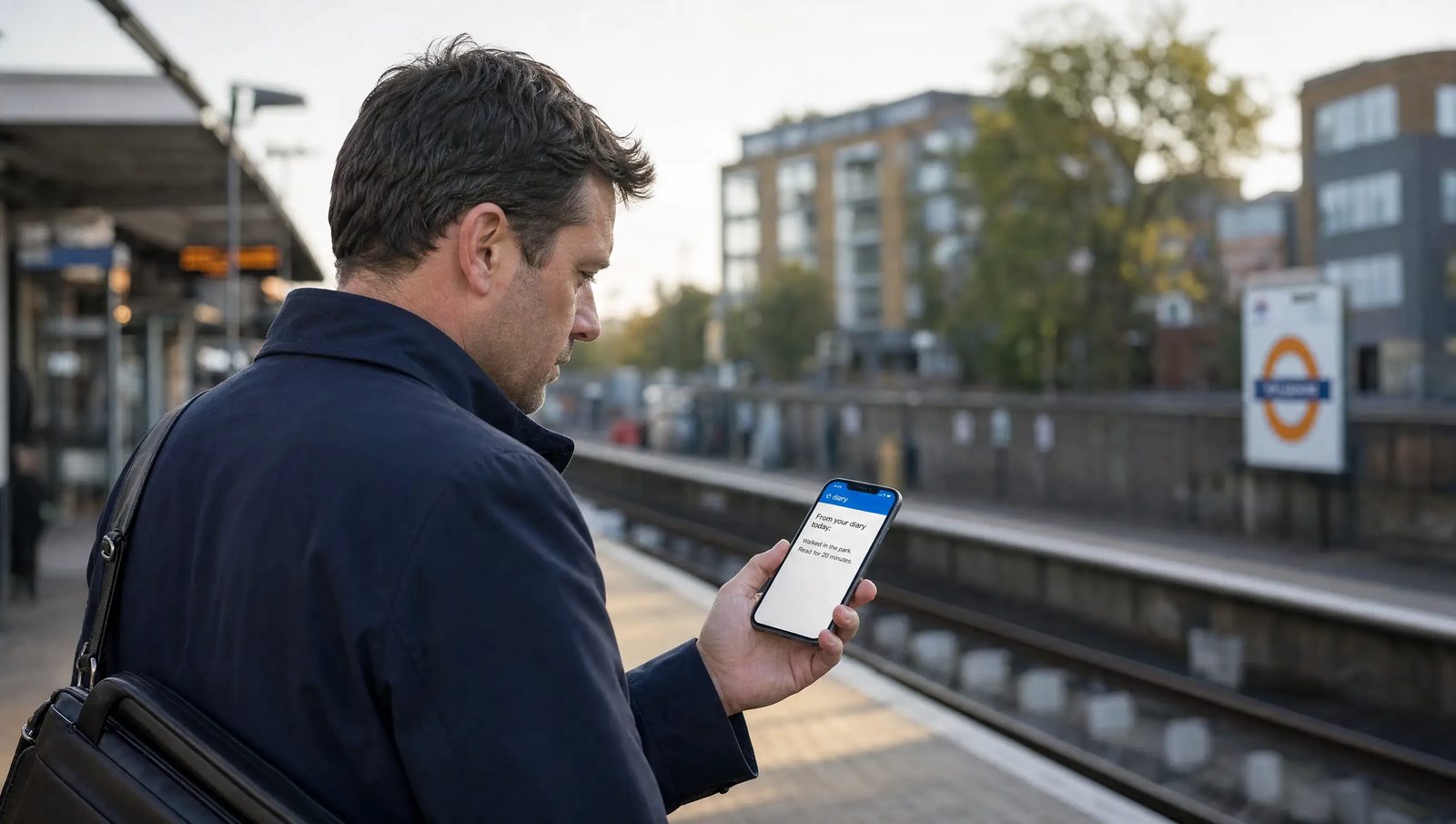
A man on a London railway platform in the morning, reading his phone, which shows a message from his AI assistant's diary. No laptop in sight.
Who this is for

Anyone who already has an AI assistant and has said one of these

An AI assistant with its own folder, built by me or by anyone else.

What changes and what does not

On your phone you say...

On your phone you sayBeforeAfter
"What should I say to this client?"YesYes
"What did we do yesterday?"NoYes
"File this invoice"NoYes
"Run my morning brief"NoYes
"New rule: never email on Fridays". It still knows tomorrowNoYes
A job that runs by itself at 7amNoYes

The first line is talking. Every line below it is doing. Your phone can already talk to your AI assistant. After the Laptop-off AI Agent still on, it can reach in and change things.

What you get

6 things, done together in about one hour

The brain's box

Your AI assistant's folder becomes a private repository on GitHub, free, in your own account. Only you can see it. I remove myself from it in front of you at the end.

The secrets gate

Before anything leaves your machine, every password and key is moved out of the folder and checked twice. No secret ever reaches the internet. This is the part of the hour that matters most.

The same AI assistant everywhere

Browser, desktop app, phone app: one folder, many doors into it. Work done on the train is on the laptop by the time you sit down.

one routine that runs by itself

Your morning brief, at 7am your time, in the cloud, with your laptop shut. It arrives as a finished session with a notification on your phone.

The sync habit

Written into your AI assistant's own manual, so the two homes never drift apart.

The proof list

Done together before I leave: secrets checked on GitHub, phone answering with full memory, diary round trip proven, routine test fired.
How the hour goes

6 steps, your hand on every button

  1. Homework, 5 minutes of yours.Create a free GitHub account and send me your username.
  2. The secrets gate, 10 minutes.Your AI assistant moves its own keys out of the folder while you watch.
  3. The box, 15 minutes.Your folder goes to GitHub and Claude is connected to it, your hand on every button.
  4. The cloud test, 10 minutes.Your AI assistant answers from a browser session with no folder open, then writes one line in its diary that arrives back on the laptop.
  5. The phone moment, 5 minutes.Close the lid. Open the phone. Ask it what is in its diary from today.
  6. The routine, 10 minutes.You create the 7am brief in the Routines screen with me dictating. We fire it once and read the result together.
The boundaries

three things it will never do

  • Send email at any hour. Sending still happens when you say so, from a session you can see. An AI assistant with its own mailbox that sends overnight is a separate build.
  • Watch your Dropbox on a schedule. On demand from the phone, yes. Overnight, no.
  • Hold your passwords. Every key is pasted by your hand into your own account settings.
What it costs

one fixed price, paid once

£1,495
About one hour together

Your running cost is your existing Claude plan; GitHub is free.

You need an AI assistant already. Built by me, or by anyone else, as long as it has its own folder of instructions and memory. If you have none, start with First Hire Basic.

The next step

Bring your laptop to the call.

A free 20 minute call. We check the folder together and book the hour.